Appearance
Tokens
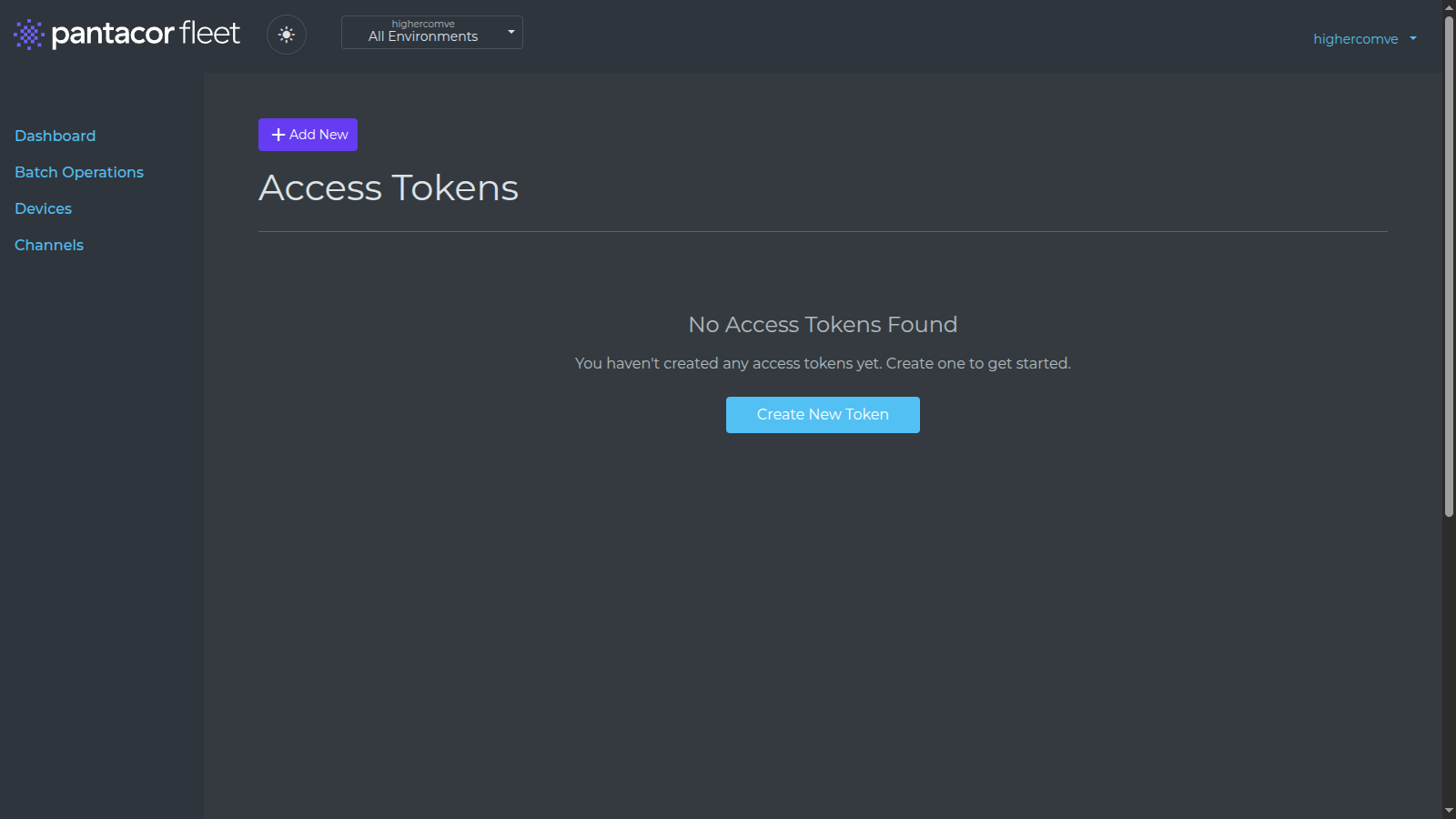
The Tokens screen lets you create API access tokens so integrations and scripts can talk to Fleet on your behalf.
Creating a token
When you create a token you set:
- A name to recognize it by.
- Its type and scopes — what the token is allowed to do.
- A role and the workspace it applies to.
- An expiration date.
When the token is created, copy its value and store it securely — treat it like a password.
Managing tokens
The list shows the tokens on your account with their name, creation date, workspace, and scopes. You can delete (revoke) a token at any time, which immediately disables it and cuts off any integration using it.
Related
- Permissions — access for people rather than integrations.