Appearance
Invitations
The Invitations screen is where you accept access that someone has granted you — to a workspace, to specific environments, or both.
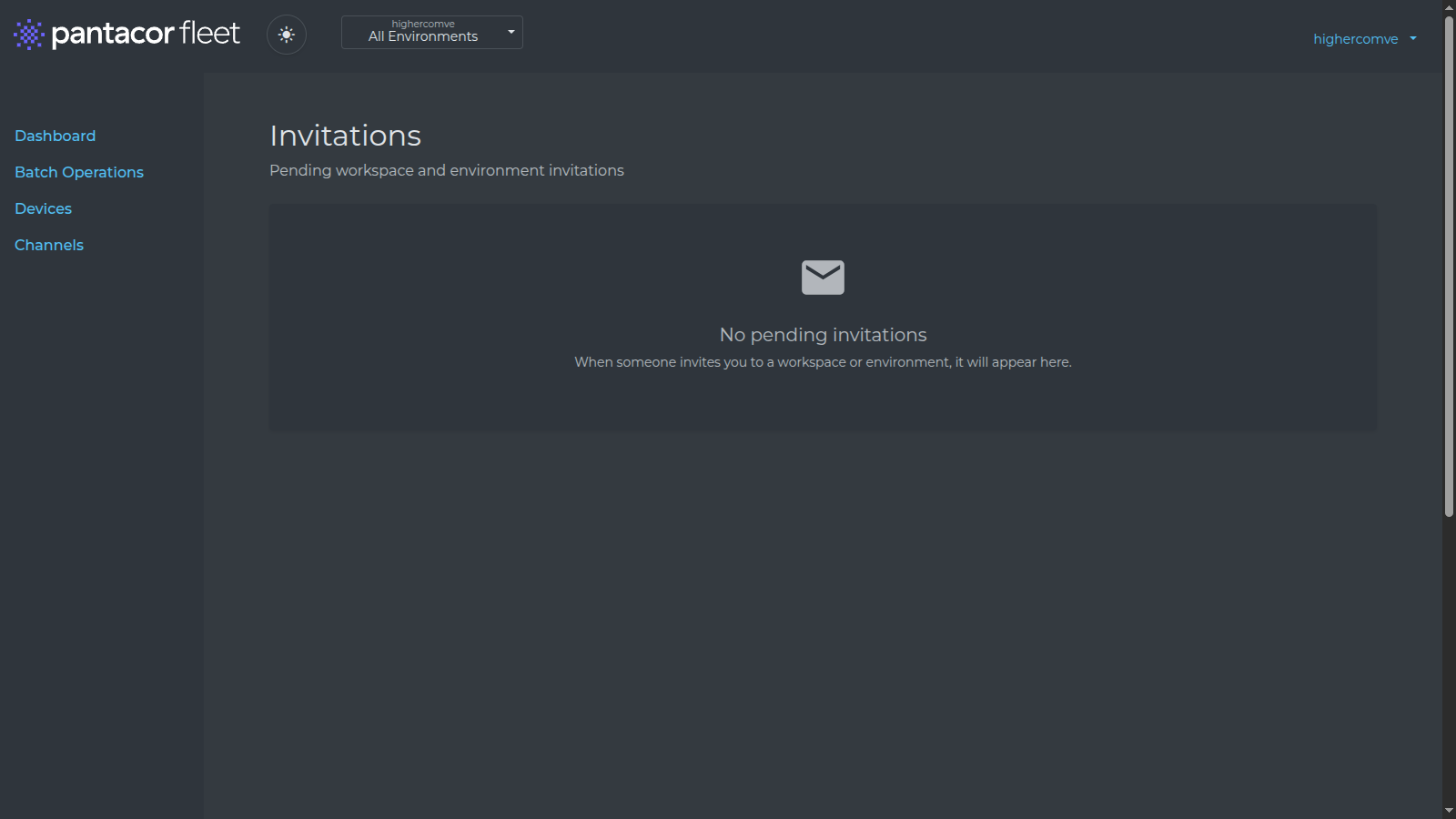
Reviewing an invitation
Each pending invitation shows:
- The workspace inviting you.
- The environments you've been invited to, with their color indicators and the role you'll have in each.
- The workspace access rights you'll receive.
Accepting
Accepting an invitation grants you the access it describes — the workspace, the listed environments, and the workspace-level rights. Once accepted, those areas become available to you in the UI.
Invitations are created by workspace administrators from the Permissions screen (for workspace access) and from Environments (for environment roles).
Related
- Permissions — how access is granted.
- Environments — environment roles you may be invited to.