Appearance
Assignment diagnostics
The Assignment diagnostics screen helps you answer a common question: why isn't this device assigned to a channel? It analyzes unassigned devices against your channels' label rules and explains the result.
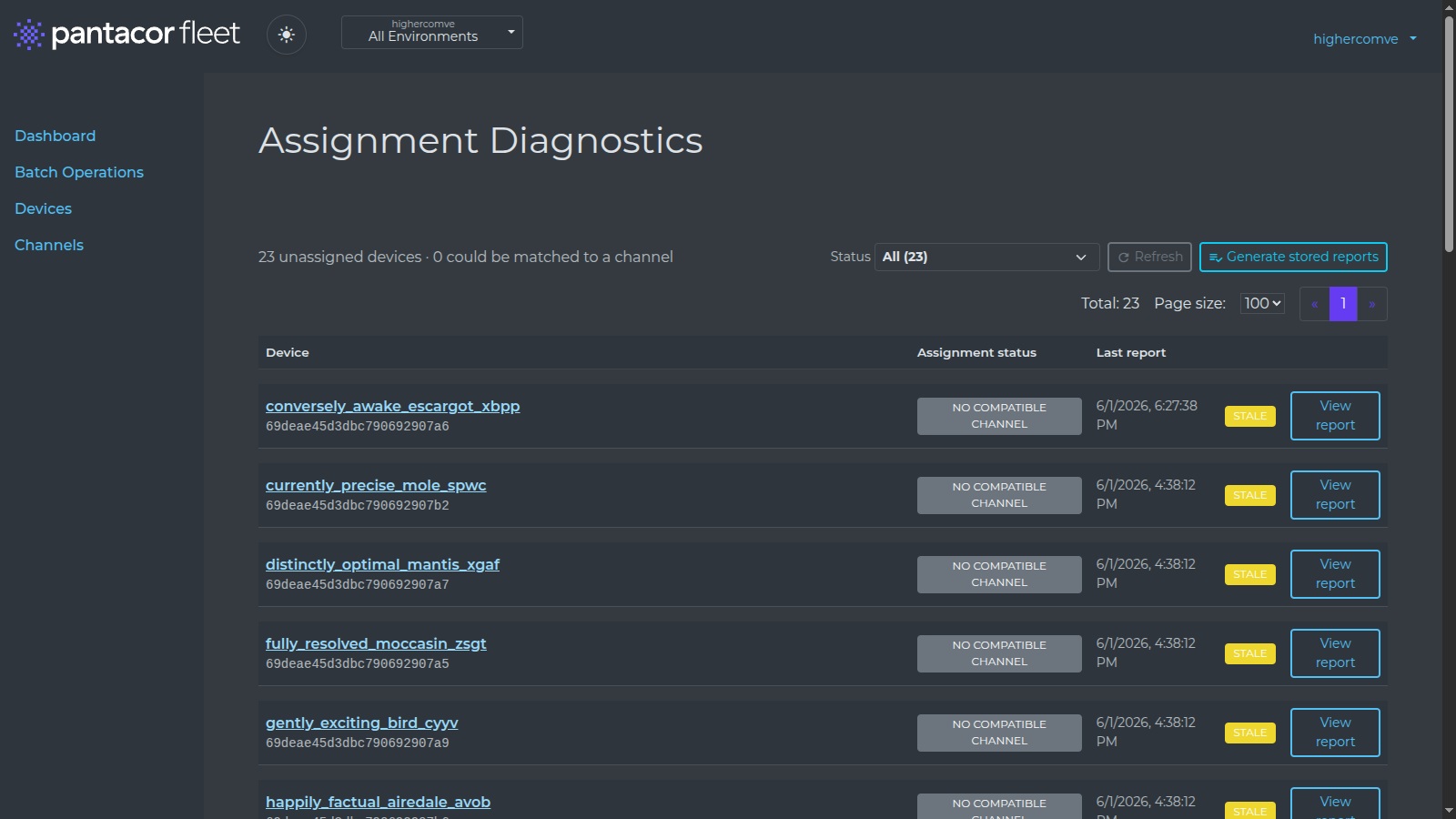
The diagnostics list
For each unassigned device, the list shows a verdict, such as:
- Will be assigned — the device matches a channel and assignment is coming.
- Could be matched — the device is compatible with one or more channels.
- Conflict — the device matches more than one channel and can't be placed automatically.
- No compatible channel — no channel's rules match the device.
- Waiting for first sync — Fleet hasn't yet seen enough about the device.
Each verdict comes from two questions: has Fleet synced enough about the device, and how many channels' label rules it matches.
It also shows how many channels each device is compatible with, and when the diagnostics were last generated (and whether they're stale).
You can filter by verdict to focus on, say, only conflicts or only devices with no compatible channel.
Per-device report
Open a device to see a detailed report: its compatibility with each channel and the reasons behind any conflict or non-match. If the data looks out of date, you can recompute the report to force a fresh analysis.
Computing diagnostics in bulk
You can schedule batch diagnostics to (re)compute reports for all unassigned devices at once. The run appears as a batch operation you can track.