Appearance
Audit log
The Audit log screen gives you a workspace-wide history of changes — who did what, and when. It's the place to go for accountability and for retracing what happened.
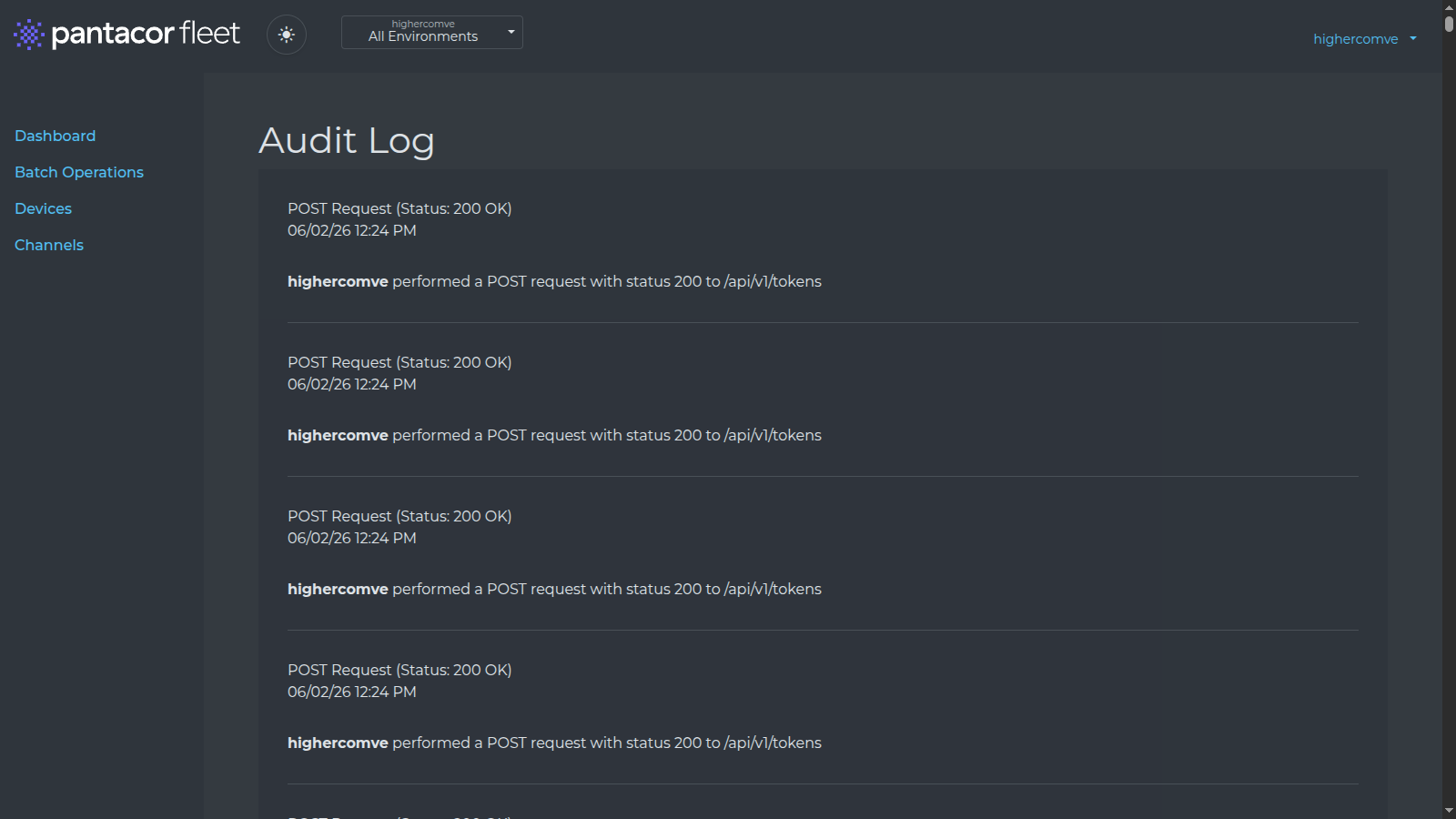
What the log shows
Each entry records an action taken in the workspace, with a human-readable summary such as:
- "User X created channel Y"
- "User X created a release for channel Y"
- "User X triggered play / pause / cancel on a rollout"
- "User X removed a device from a channel"
- "User X updated permissions for someone"
Entries are color-coded by outcome so successes, warnings, and failures are easy to tell apart.
Entry details
Open an entry to see the full record:
- The exact timestamp and how long the action took.
- The user who performed it.
- The request details — the operation and its parameters.
- The result — status and any error message.
Related
- Permissions — control who can make changes in the first place.
- Per-channel history is also available on a channel's Audit tab (see Channels).