Appearance
Batch operations
Many Devices actions can be applied to several devices at once — for example assigning a group of devices to a channel, removing them, deleting them, or matching unassigned devices. Each of these bulk actions is recorded as a batch operation, and the Batch operations screen is where you review them.
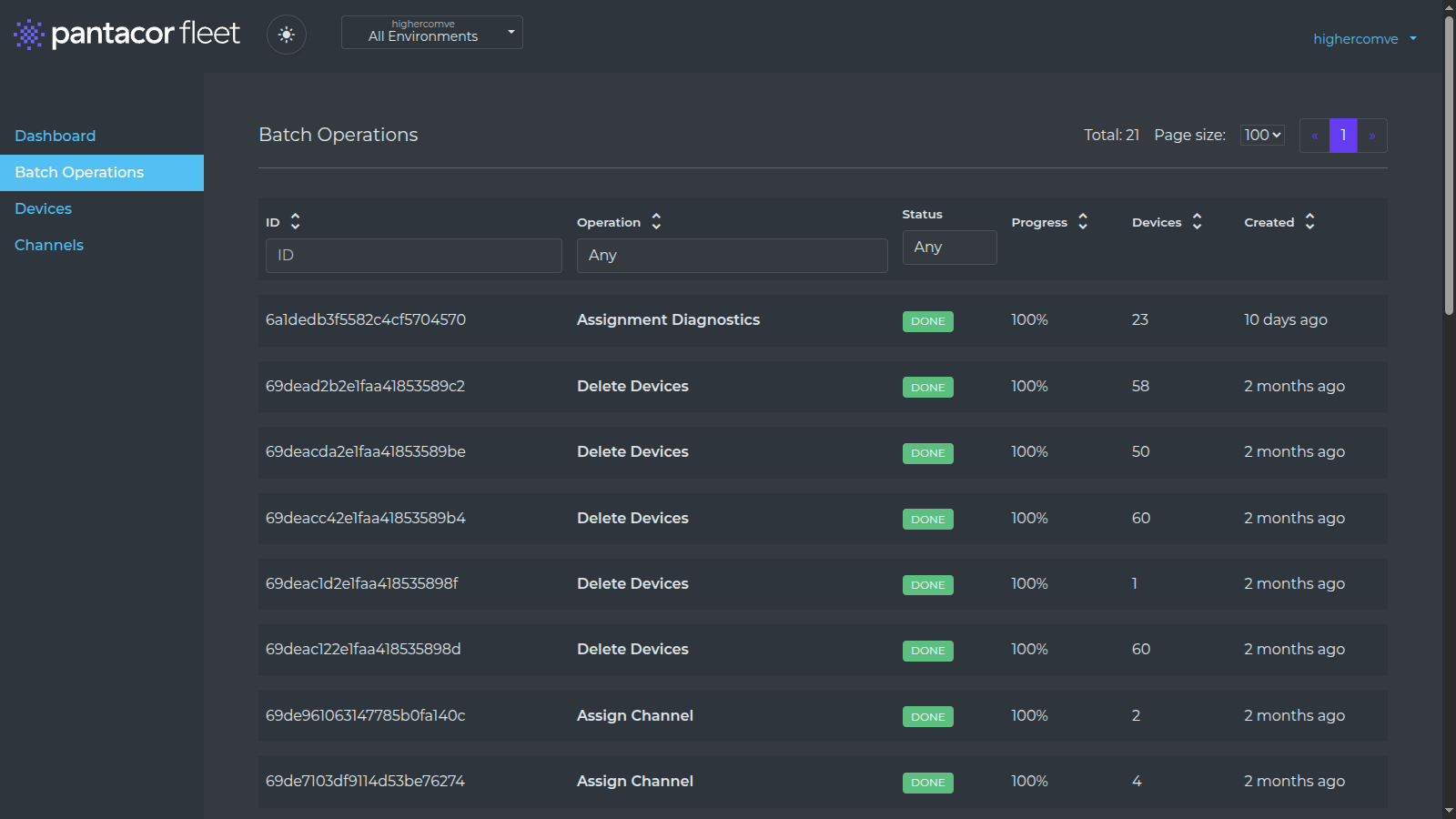
The batch operations list
The list shows past and in-progress batch operations. For each you can see its type, status, and a summary of results once it finishes (how many devices succeeded and how many failed).
You can:
- Filter by operation type, status, or operation ID.
- Sort by created date or status.
Operation details
Open a batch operation to see what it did: the operation type, how many devices it affected, its current status, and the per-result breakdown. Because batch operations run in the background, the screen updates progress automatically while one is in flight.
Where batch operations come from
You don't create batch operations on this screen — they're produced when you use a bulk action elsewhere, mainly from the Devices list. This screen is the place to track and audit those actions after the fact.
Related
- Devices — where bulk actions are started.
- Assignment diagnostics — understand matching before a bulk assign.