

Paced rollouts
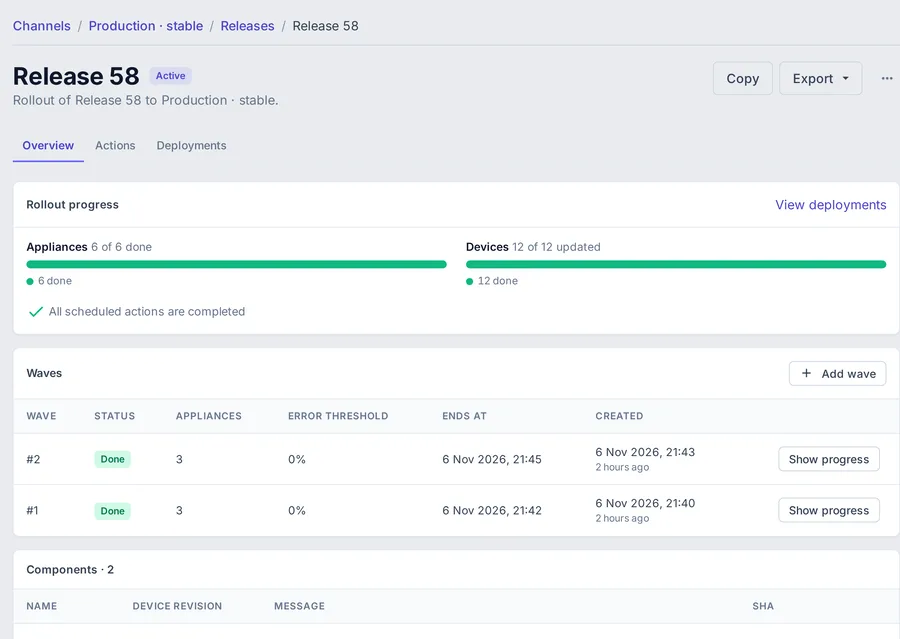
Use linear or wave rollouts to control how many devices update at a time.
Device fleet management
Connect your Pantacor Hub account, publish releases to channels, and update devices in paced waves while watching progress.


From revision to device
One workflow, from connecting your account to tracking each update.
Sign in with your Pantacor Hub account and Fleet syncs its devices, grouped by appliance. Connect more accounts or hubs whenever you need to.
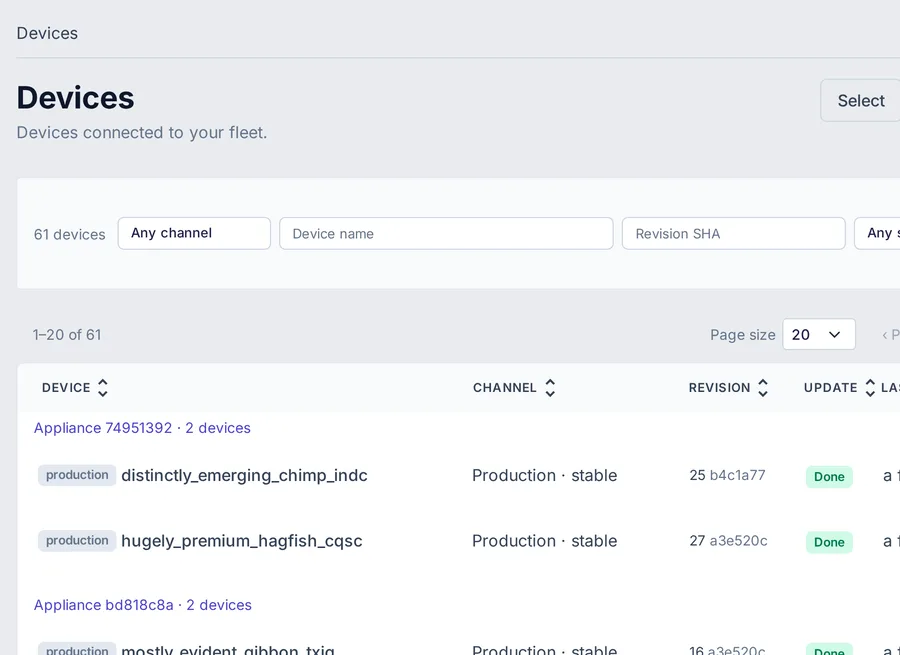
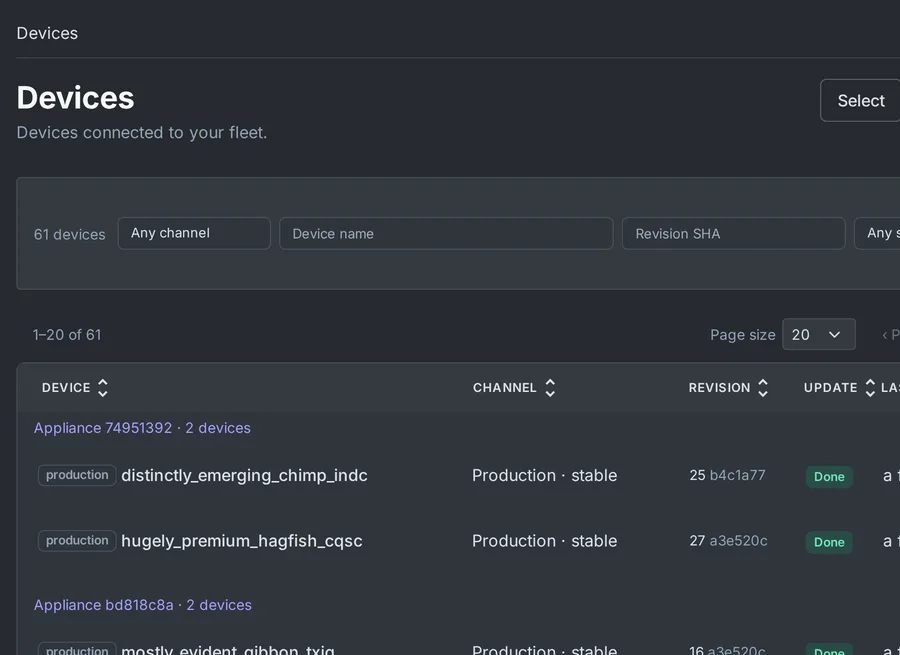
A channel matches devices by their labels and environment. Fleet previews which devices a channel will target before you save it.
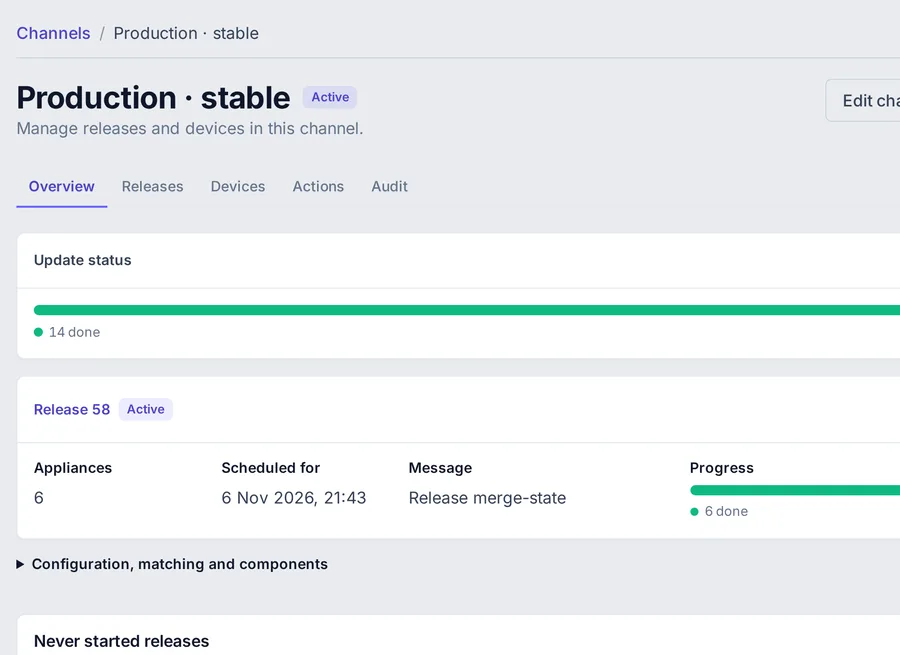
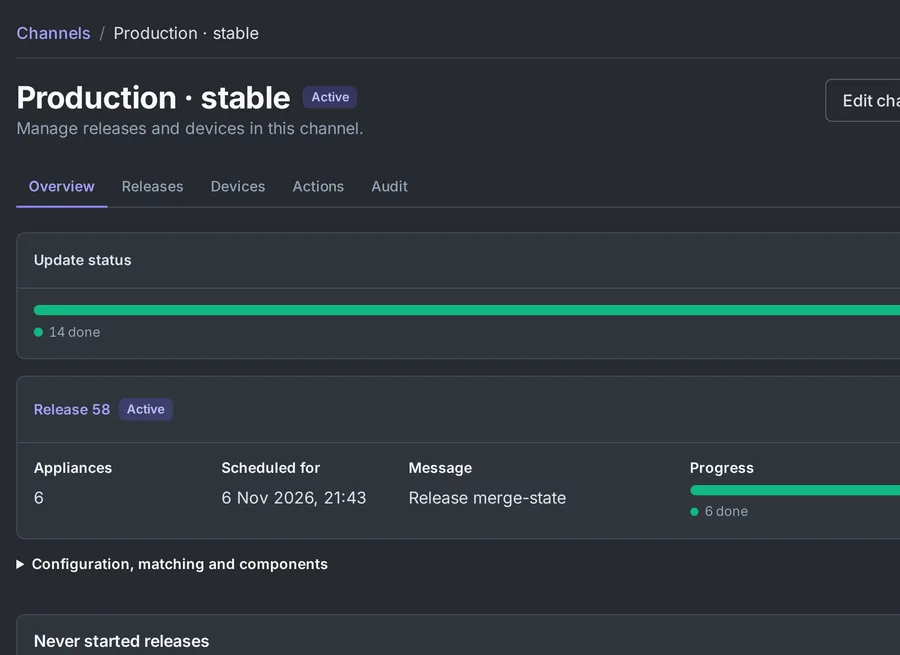
Pick a revision from a leader device or import one, then schedule it on the channel. Every release keeps its components, labels and history.
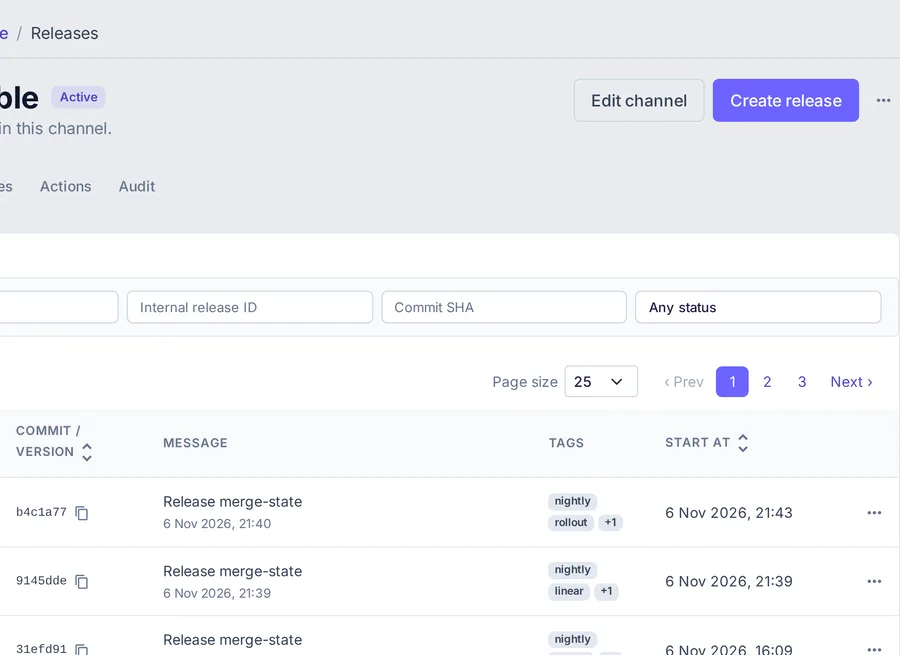
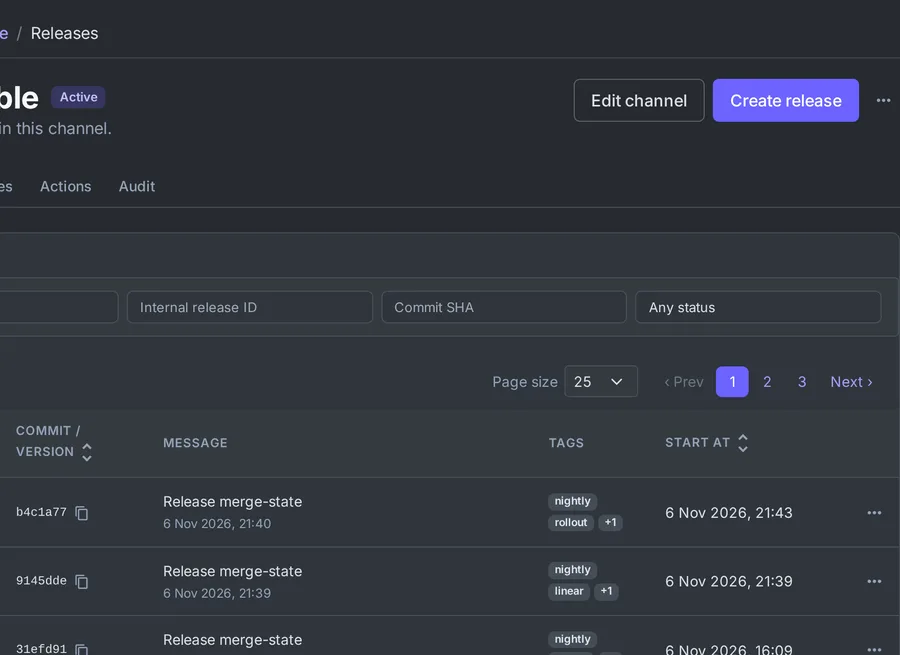
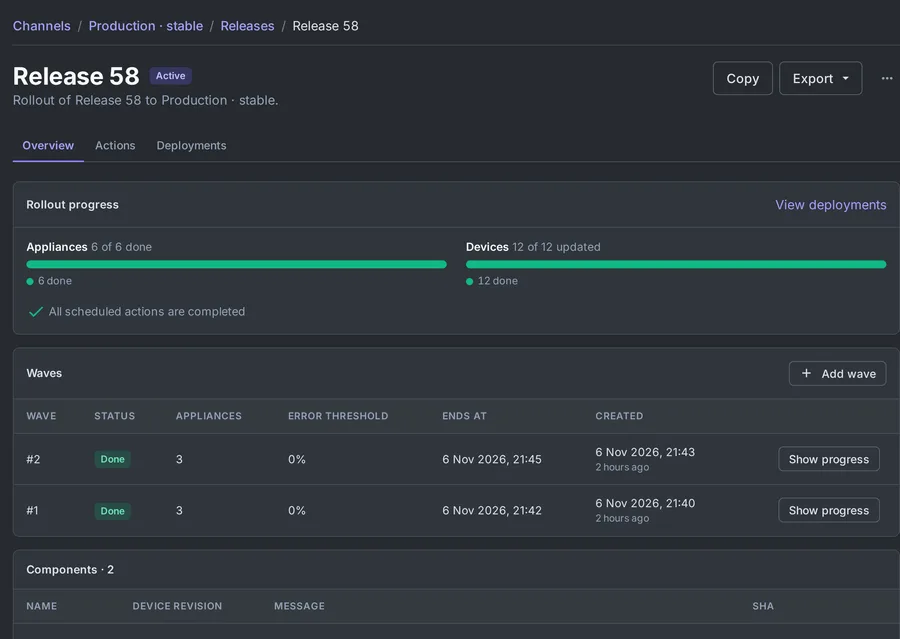
Roll out at a steady pace or in waves with an error threshold. Watch each appliance and device update, and pause or cancel at any time.
Control at fleet scale
Use linear or wave rollouts to control how many devices update at a time.
Coordinate releases across the several devices that make up a product.
See why a device does or does not receive a release.
Apply changes to selected devices together.
Separate environments and control who can make changes.
Trace fleet changes and see who made them.
Connect your devices and plan your next release.